Removing Blemishes with the Healing Brush in Lightroom CC
Gary Detonnancourt
Featured




Have questions? Use this form to contact us.
We will respond to you as soon as possible.
Thank You,
Gary Detonnancourt
Harrisville, RI 02830
United States
More Than A Snapshot provides online photography education.
This is the blog for More Than A Snapshot's Online Photography Classes. In these blog posts I will give photography tips, tutorials, and show images.
Sale runs until May 22, 2016. Click here for more information:
http://www.topazlabs.com/aff/idevaffiliate.php?id=1062&url=http://www.topazlabs.com/store
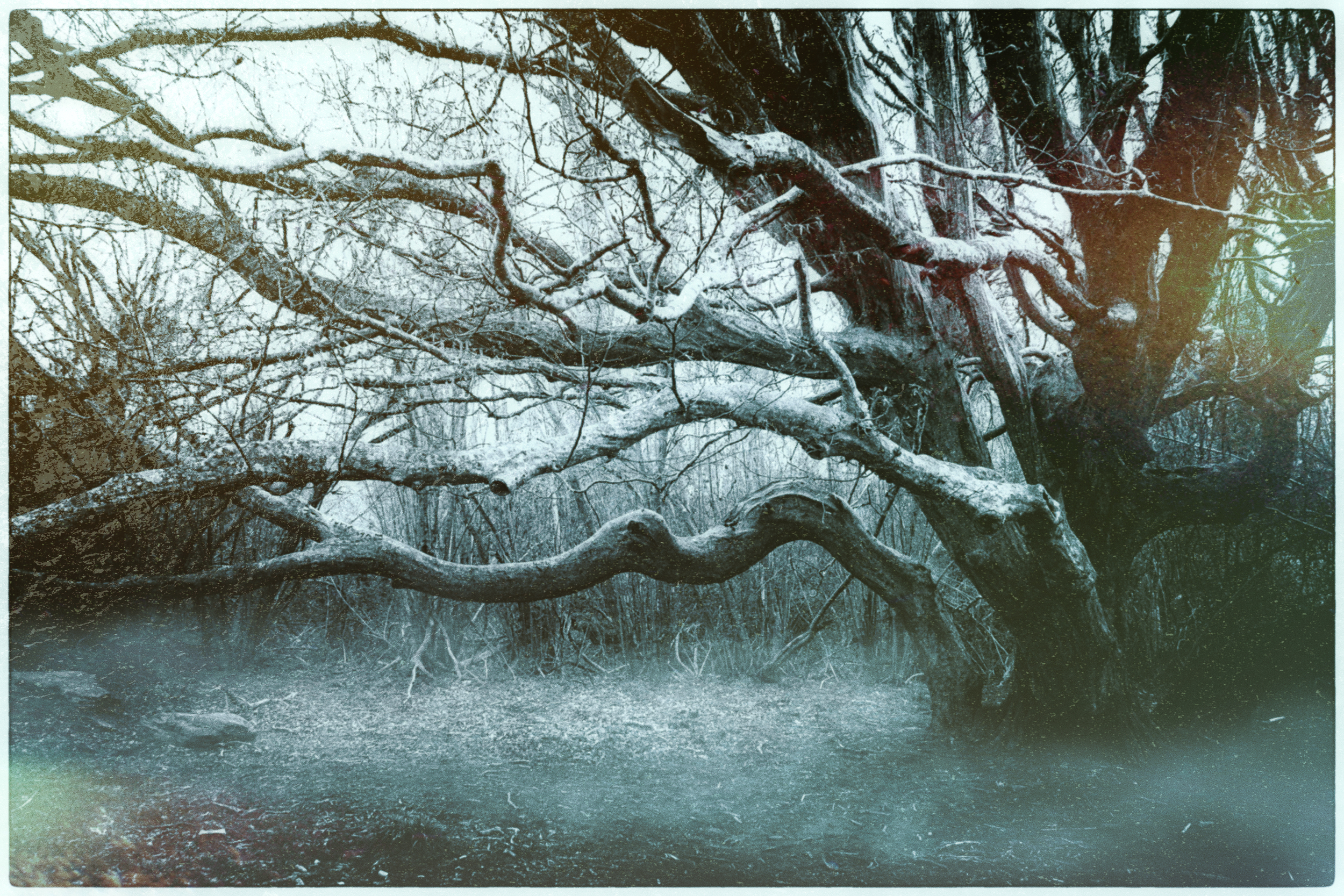
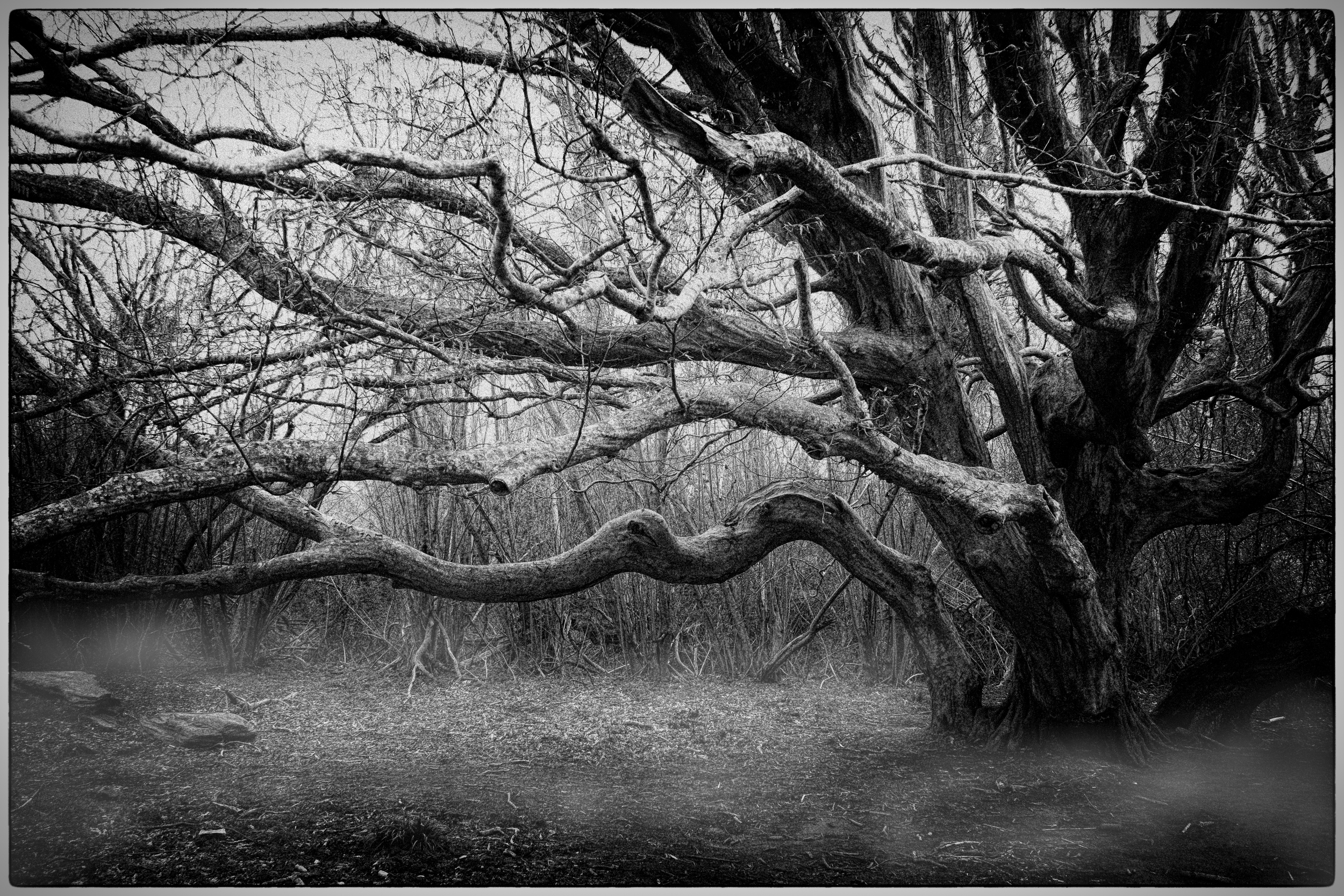
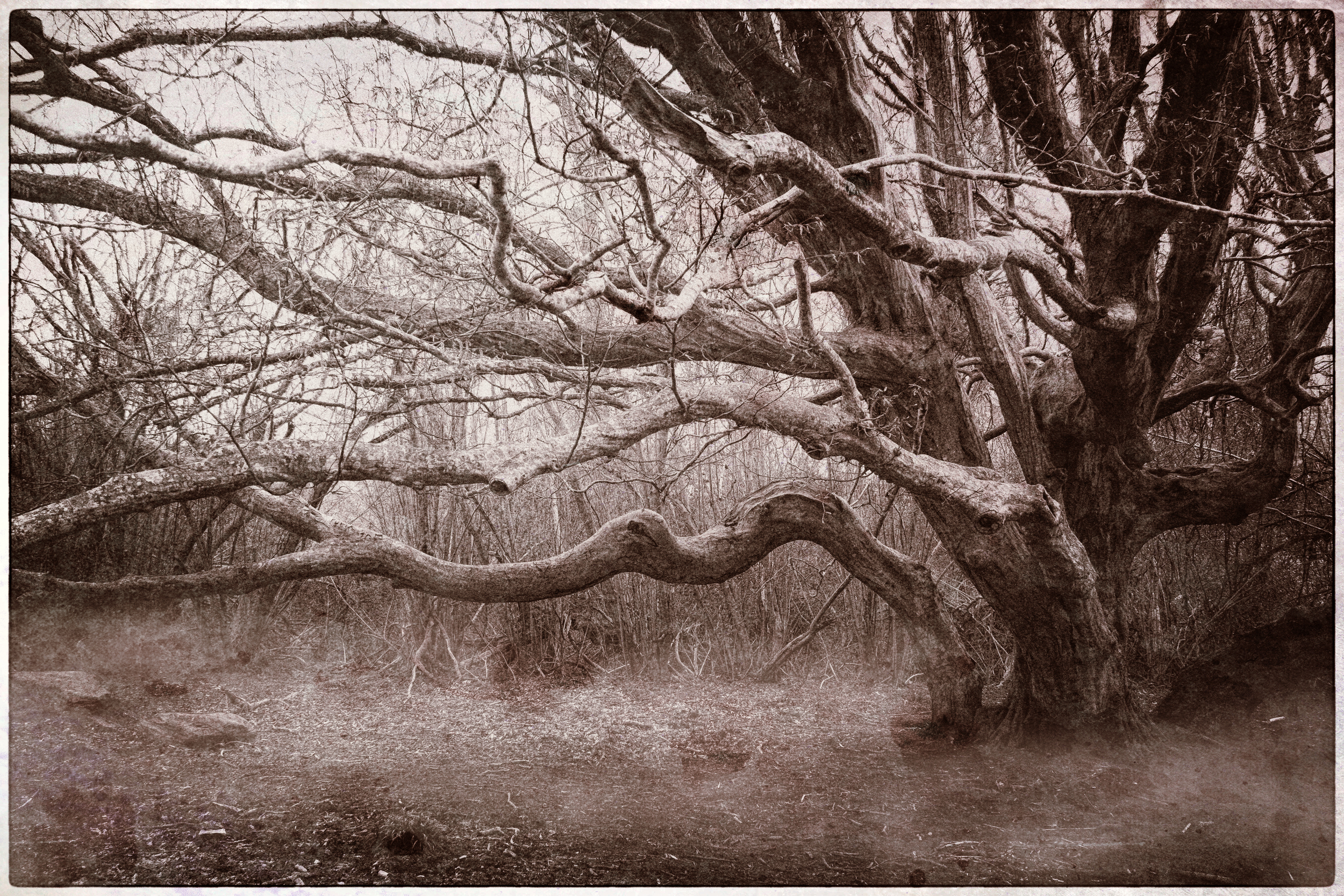
I processed these images using Topaz Texture Effects.
Importing Presets into Silver Effects Pro 2
Link to Sheely Photo's Silver Effects Pro 2 Presets
http://sheelyphoto.blogspot.com/2013/12/10-free-presets-for-silver-efex-pro-2.html
If you like this video and you're interested in learning more about the Nik Collection, click here http://morethanasnapshot.teachable.com/courses/stunningbwimages to join my free course. It's still under development and won't be free forever, so get in while you can.
Congratulations, please contact email me at gary@morethanasnapshot.com to select your prize.
Spring Photo Contest Critique and Winner.
Winners need to email gary@morethanasnapshot.com with your choice of the four courses listed above. Then I will respond with your coupon code.
Every Month you may post 2 of your best images for our photo contest. To enter, please upload the images in the comment section below by clicking on the Landscape icon or you can use an image host like Flickr by pasting the embed link in the comment bar. Please post each image in a separate comment for voting purposes. Prizes will be awarded to the top 3 finishers.
I will post a new subject on last Thursday of the month. The previous month's contest will end on the last Thursday of the month at 5 pm EST. I or a guest judge will select the winners.
Winners need to email gary@morethanasnapshot.com with your choice of the four courses listed above. Then I will respond with your coupon code.
If you like this video and you're interested in learning more about the Nik Collection, click here to join my free course. It's still under development and won't be free forever, so get in while you can. Your input could even help make this my greatest course.
If you like this video and you're interested in learning more about the Nik Collection, click here to join my free course. It's still under development and won't be free forever, so get in while you can. Your input could even help make this my greatest course.



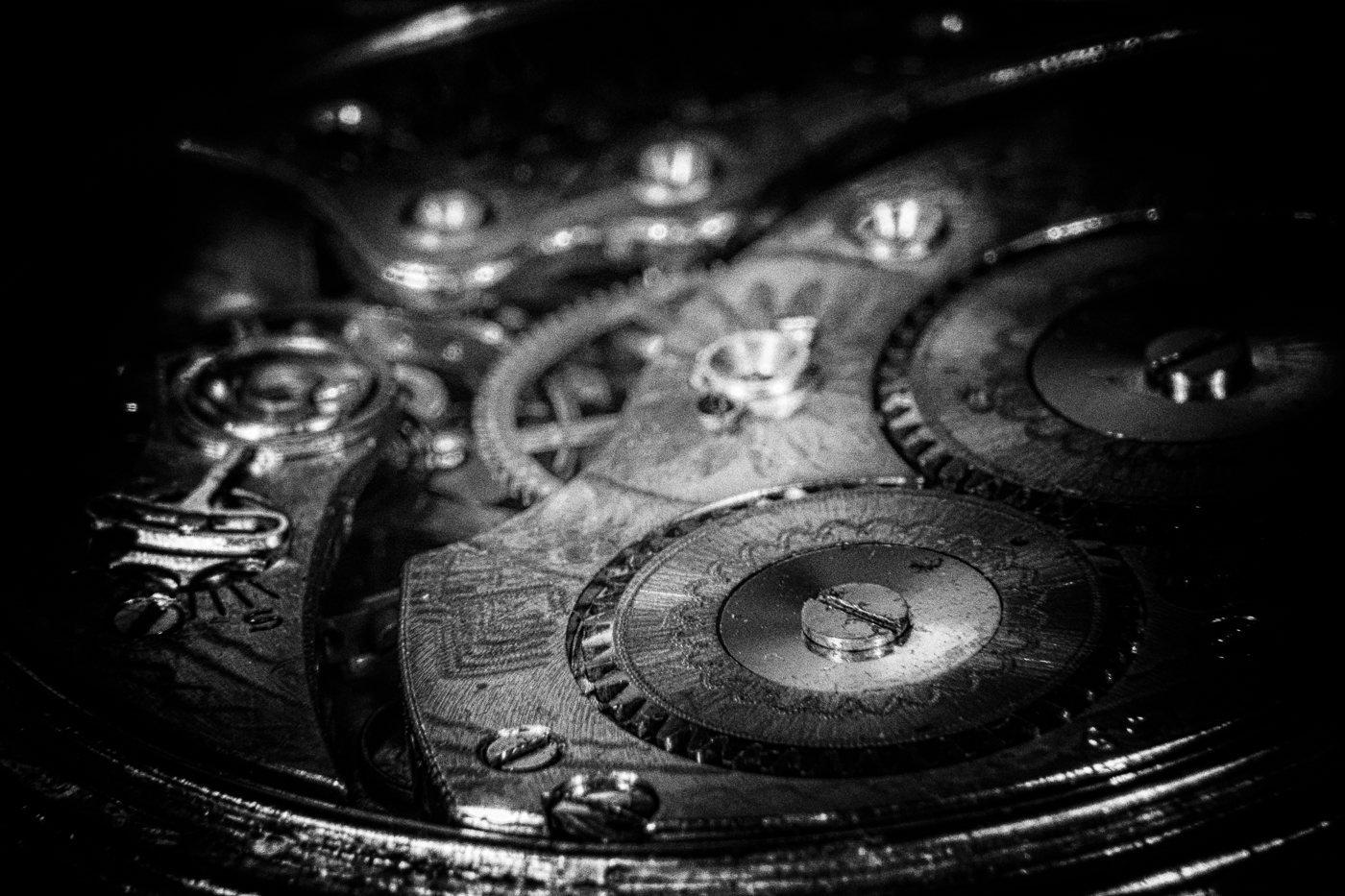
I took these images at a macro workshop I attended last week. I will be sharing a DIY flash bracket system, in the weeks to come, that I used to make these images. For the post-processing of these images, I used the Nik plugins and I am currently making a class on how to use them since google has released them for free. Which version of this image do you prefer (#1,2,3,4). Check out how they were made, using the Google Nik Collection, in the video below.
Check out my current course offering below.
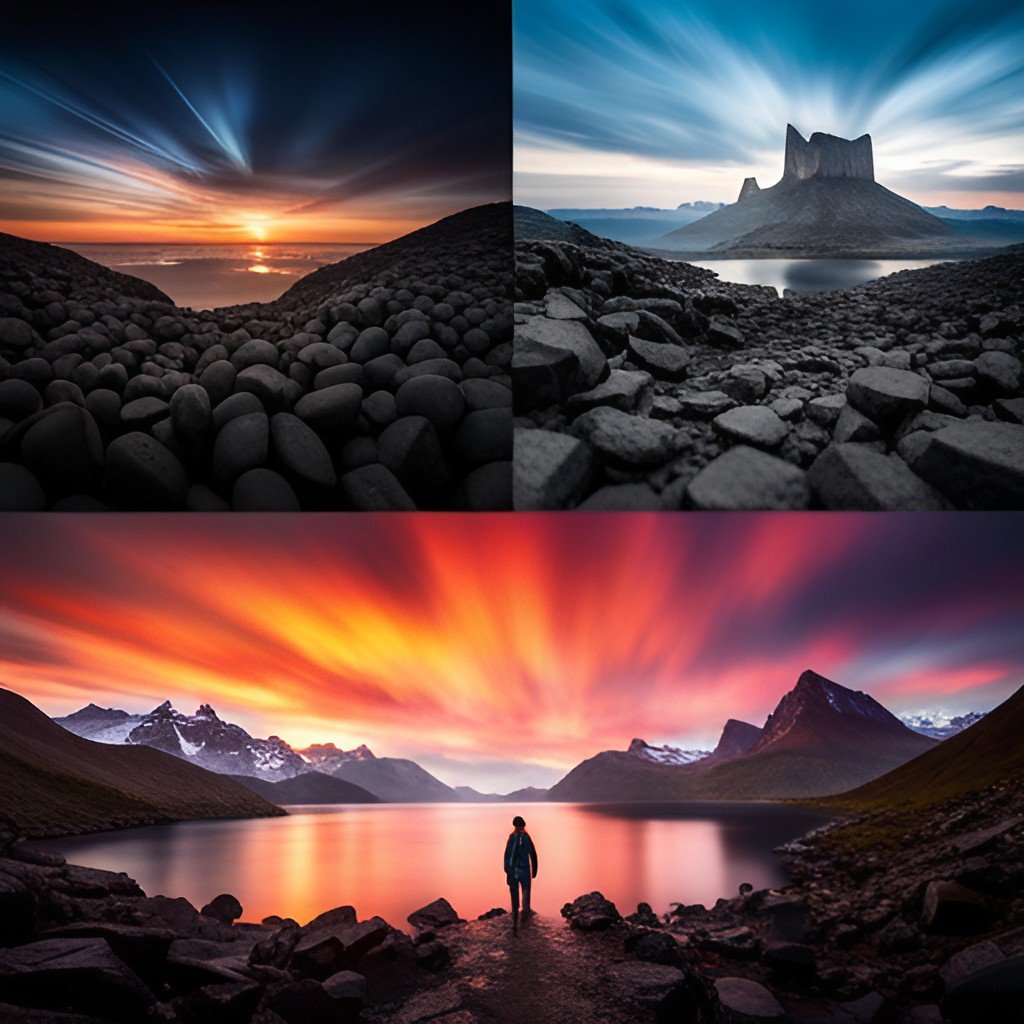
30 High-Quality Images for Sky Replacements in Photoshop or Luminar AI. Check the description below for information about how to use these skies to do sky replacements.
This is a digital product with over 400 high-resolution smoke images in JPG format. They can be used in any image editing program that uses blend modes on layers, such as Photoshop.
Easy to Follow Instructions:
You will need to know the basics of Adobe Photoshop and know how to use layers. If you don’t have these skills please check out my Photoshop course.
You can show or hide layers, Rotate or flip, resize, or change the transparency. Use the eraser on your overlay layer (or mask and brush) to clean something. You can mix & match additional overlays to achieve a unique result.
JPEG format:
1. Place the smoke layer over your photo and set the layer blend mode to SCREEN (after that black background will be invisible).
2. Use the eraser on your overlay layer (or mask and brush) to clean some parts etc.
3. You can mix & match additional overlays to achieve a unique result.
4. Save your photo and finish the work。
More Than A Snapshot will be your guide to becoming a better photographer. It can do this because it provides you with 28 comprehensive lessons on how to control your digital SLR. Even more important the lessons require you to go out and make images. Practice really does make perfect and this book will give you the guidance and motivation you will need to succeed.
91 Pages
The white balance business card is a small portable grey card that can be used in a pinch for setting a custom white balance in camera or in software. Keep one in your wallet and one in your camera bag and never be without a grey card.
You will recieve 5 cards.
This digital download includes a zip file with 26 Black & White Lightroom Presets that can be used in the Develop Module of Lightroom Classic or Lightroom CC.
These Lightroom presets have been specially created to work with street photos, travel photos, and night photos. They tend to have a lot of punch and will take your images to the next level. Remember you always have the amount slider to increase or reduce their effect.